
When a website gets visitors but no enquiries, first check that enquiries are being recorded and delivered. Then look at who is visiting, whether the page matches what they expected, whether it gives them a reason to choose you, how easy the form is and how the page works on a phone. Fix broken forms and tracking first, then the busiest relevant landing pages.
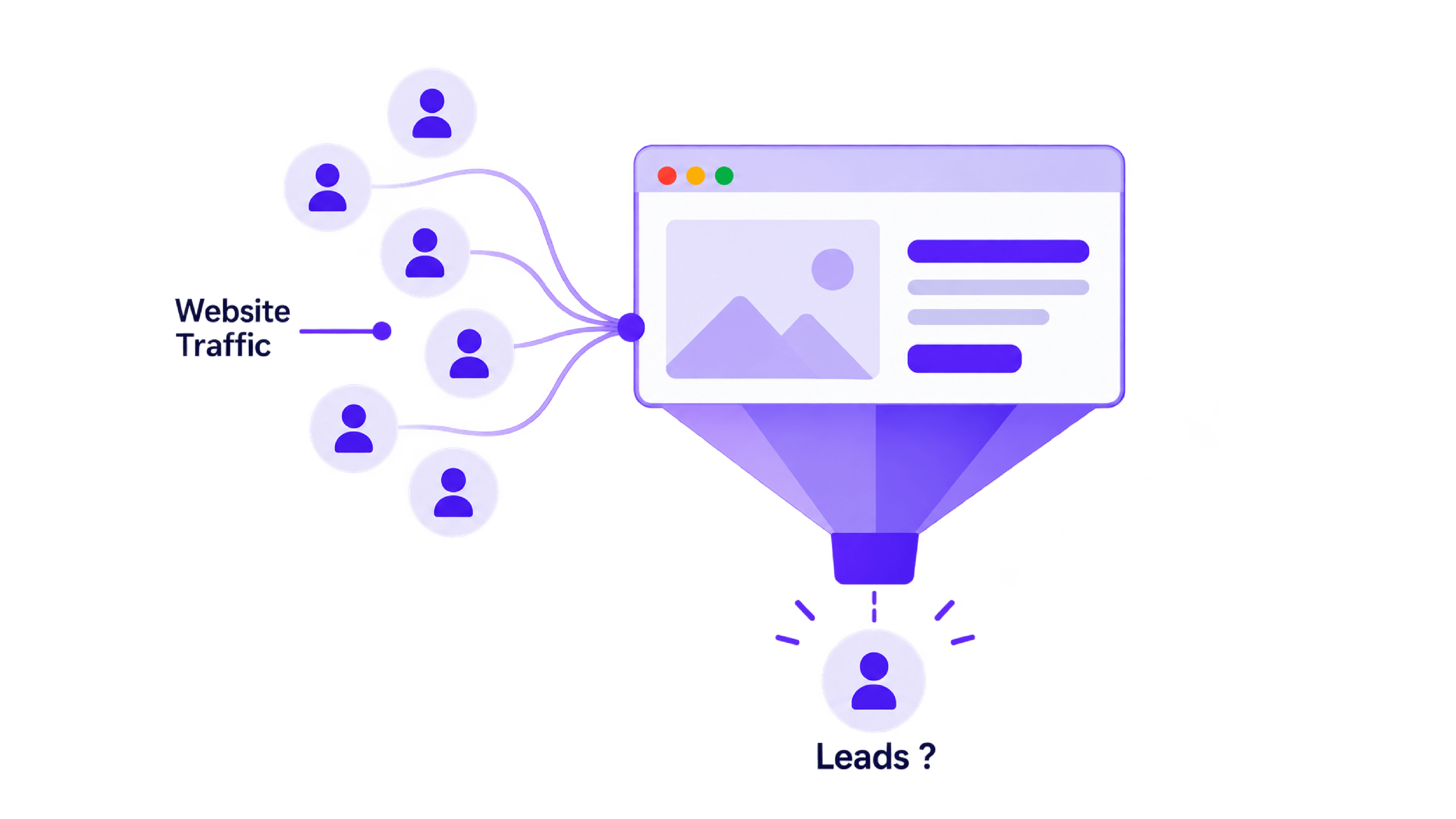
People are visiting your website. So why isn't anyone getting in touch?
You check the reports. The visits are there. Perhaps you're paying for ads, publishing content or working on SEO. Yet your inbox stays quiet and the phone barely rings.
When you have website traffic but no leads, start by checking whether enquiries are being recorded. Then review who visits, what they see and how easily they can contact you.
The problem may be something you can fix on an existing page. Here is where to look.
First, Make Sure Your Enquiries Are Being Recorded
Before changing your website, test the journey yourself.
Open a service page on your phone, complete the contact form and check what happens next. Does the submission succeed? Does your team receive it? Does it appear in your CRM or enquiry list?
Compare those actual enquiries with your analytics.
If messages arrive but your reports show nothing, you have a measurement gap. If the form accepts a submission but nobody receives it, investigate the delivery or integration.
Accurate conversion tracking helps distinguish these problems.
Anantya's tracking checker can identify supported analytics and advertising tags. You still need to test whether they record successful enquiries correctly.
1. Your Visitors Aren't Looking for What You Sell
A busy website can attract people who will never become customers.
Some want free advice. Others are researching careers, looking for providers outside your service area or searching for something you don't offer.
Those visits can have value, but they don't all represent buying interest.
What to check: Look at the searches, campaigns and locations bringing visitors to your important pages. Consider their search intent - what they are trying to accomplish.
What to fix: Make your targeting more specific to your services, audience and location. Keep educational content useful, with a relevant next step for readers who need help.
This is where growth marketing should connect audience quality with business goals.
2. Your Page Doesn't Deliver What the Visitor Expected
Imagine someone clicks an advertisement for a weekend training course.
They arrive on a homepage covering every course, the company's history and several unrelated services. They now have to search again for the details that interest them.
Some will leave.
What to check: Compare your ad or search listing with the page it opens. Does the visitor immediately find the promised service, information or offer?
What to fix: Send people to a relevant landing page. Keep the headline, offer and next step consistent with the message that brought them there.
In the training course example, the ad should open a page for that course, showing its schedule, location, who it suits and how to enquire in one place.
3. Give Visitors a Clear Reason to Choose You
Visitors may understand your service and still wonder: “Can this business help with my problem?”
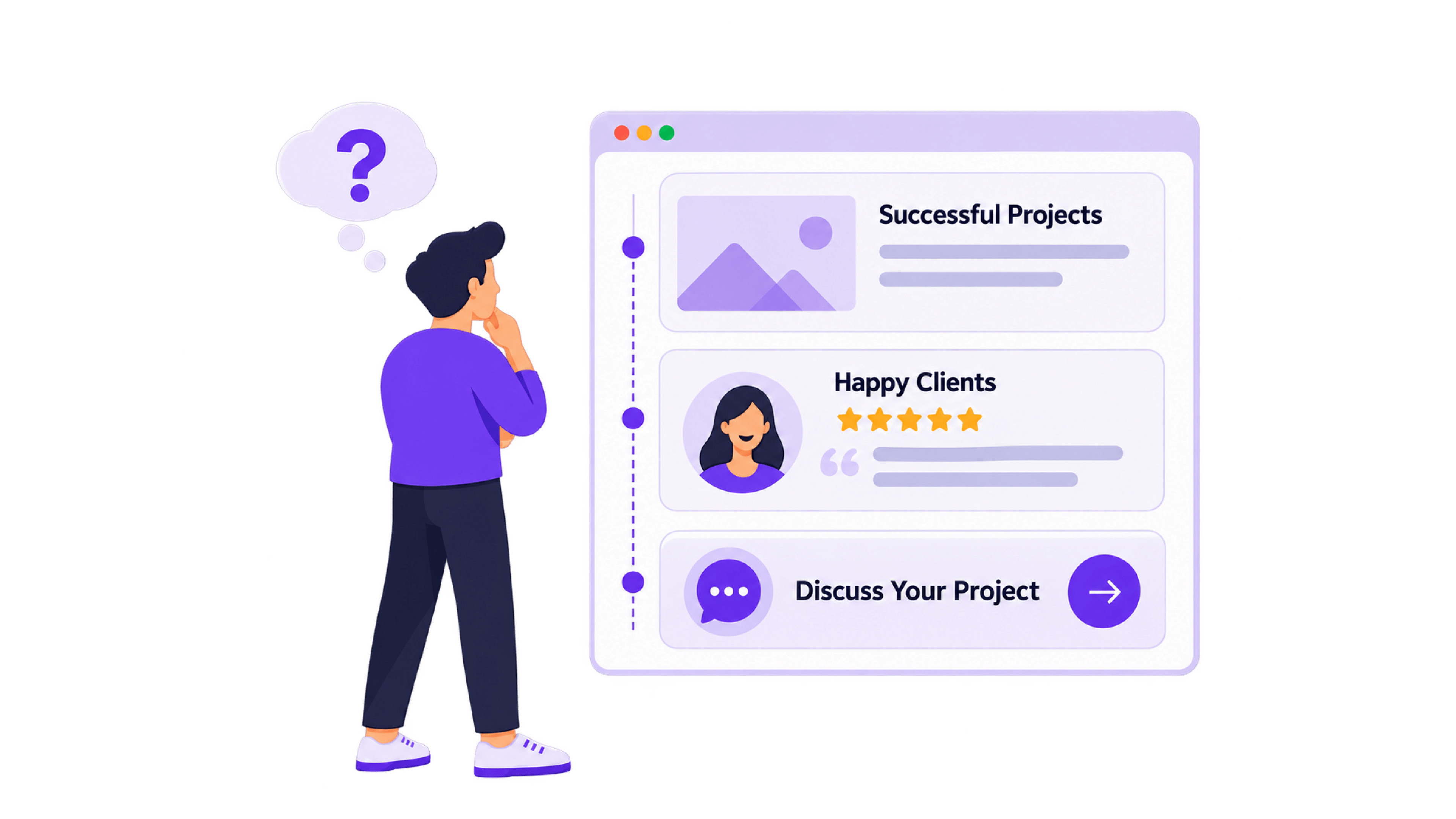
Show them what makes you a suitable choice. Explain who your service is for, share a relevant project and include genuine feedback from a customer. Together, these details help people understand what working with you could look like.
What to check: Can someone quickly understand your offer, find evidence of similar work and see how to contact you?
What to fix: Replace broad promises with specific information. Show the problem a project addressed, explain your contribution and describe only results you can support. Place a relevant customer review nearby to give visitors another perspective.
Then offer a clear call to action, such as “Discuss Your Project.” Explain what happens next:
“Tell us what you need help with. We'll discuss your requirements and recommend a starting point.”
Once someone feels ready to enquire, completing that next step should be straightforward.
4. Getting in Touch Feels Like Too Much Work
A visitor finally decides to enquire. Then the form asks for information they don't have, displays an unclear error or fails on their phone.
Interest can disappear at that point.
What to check: Complete every enquiry route on desktop and mobile. Test required fields, error messages, booking links and confirmation screens.
What to fix: Ask for the information needed to handle the enquiry properly. Explain unusual requests and make errors easy to correct.
A shorter form is worth testing, but removing every qualifying question can create extra work for your team. Balance ease of use with the information you genuinely need.
5. Your Website Is Slow or Difficult to Use on Mobile
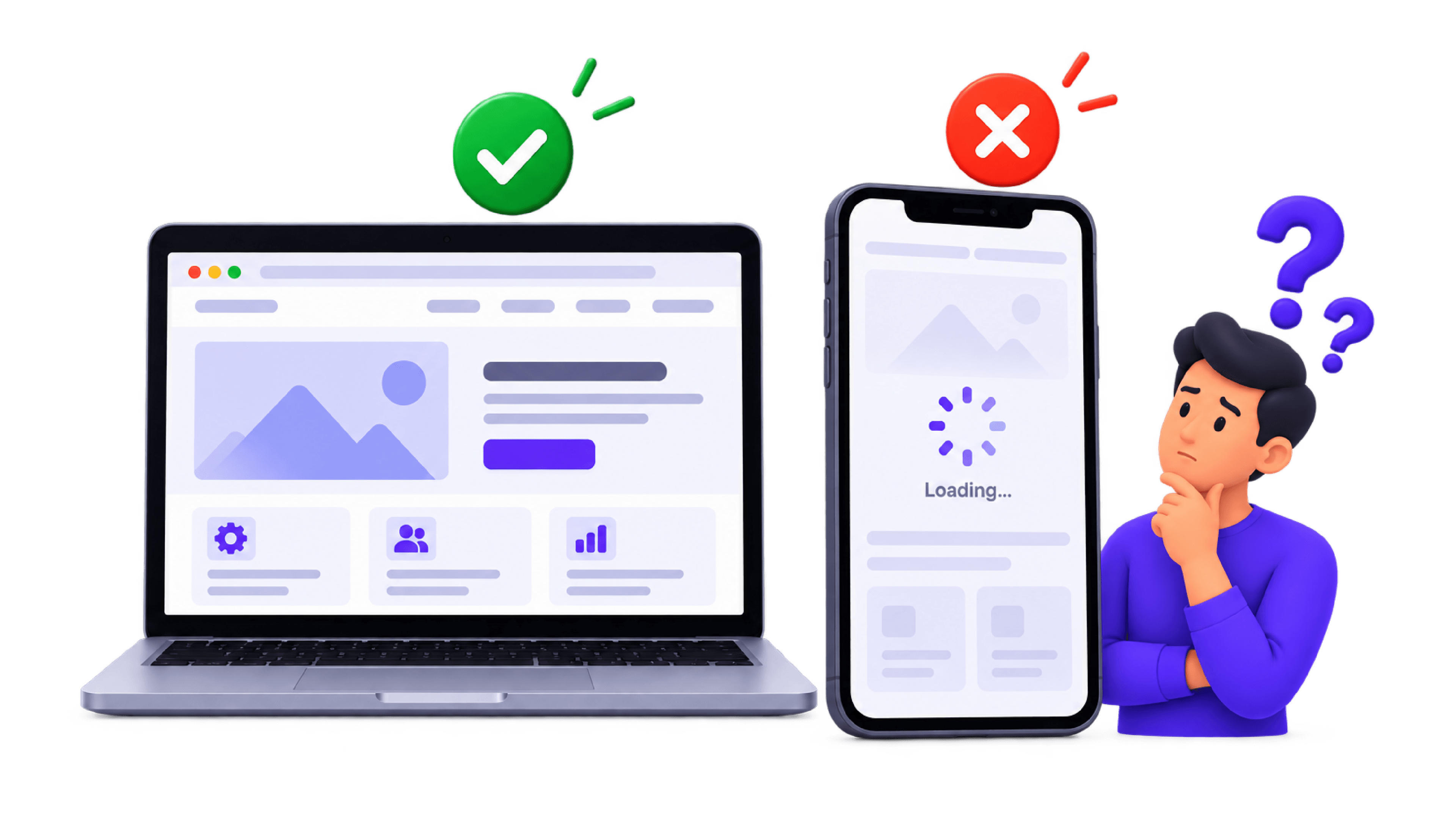
A page that works comfortably on a laptop may be difficult to use on a smaller screen.
Slow-loading content, small text and hard-to-tap buttons can get in the way. Page speed optimization helps visitors reach your content sooner, while a clear mobile layout makes it easier to read and enquire.
What to check: Open your busiest service pages on a real phone using mobile data. Check how quickly the main content appears, whether buttons are easy to tap and whether you can complete the enquiry form.
What to fix: Compress oversized images, improve text readability and spacing, and remove pop-ups that cover important content. Fix any layout or form issues you encounter.
Use performance reports alongside these checks. A fast page should also be easy to use - from the first screen to a successful enquiry.
6. What Should You Fix First?
Start with problems that stop an interested visitor from contacting you.
- Repair broken forms, links and enquiry delivery.
- Confirm successful enquiries are recorded.
- Review your busiest relevant landing pages.
- Improve unclear offers, missing evidence and mobile obstacles.
- Measure what changes.
Track genuine enquiries and their quality. A higher conversion rate is more useful when those enquiries fit your business.
If enquiries already arrive but rarely become customers, review why leads go cold. That requires attention to response, ownership and follow-up after the website has done its part.
Make Your Website's Next Step Work
Your website should make it easy for the right person to understand your offer, trust your business and begin a conversation.
At Anantya TechLabs, we connect marketing, website technology and conversion systems around that journey.
If visits are growing while enquiries remain quiet, request a free audit. Let's identify where the journey breaks and what deserves attention first.
FAQs
Why does my website get visitors but no enquiries?
Possible causes include unsuitable traffic, unclear offers, insufficient trust, difficult forms or technical failures. Enquiries may also be happening without appearing in your analytics.
Can I get more leads without increasing traffic?
Yes, improving the experience for existing visitors can help. Start by removing obstacles on pages already attracting relevant potential customers.
What is a good website conversion rate?
There is no universal target. Results depend on your industry, traffic source, offer and definition of a conversion. Compare similar pages and track qualified enquiries over time.
Do I need a complete website redesign?
Not necessarily. Targeted changes may resolve the problem. Consider a redesign when the existing structure makes essential improvements difficult.


